A landlord asks a facility manager how much power a new 15-person office needs. One quotation totals every equipment rating. Another assumes that only part of the equipment will run together. The numbers differ, yet neither quotation explains the operating conditions.
The next decision is expensive: approve the available supply, request more capacity, or revise the fit-out. A useful office electrical load estimation must show what is connected, what is expected to operate together, and which assumptions still need verification.
Connected load, demand and supply capacity are different
Connected load is a schedule of equipment ratings. For supply planning, identify electrical input power: a motor shaft rating or an air-conditioner’s cooling output is not its electricity consumption. Schneider Electric’s installation guide distinguishes installed nominal power from the power actually supplied. [1]
| Term | What it means for the client | Evidence to request |
|---|---|---|
| Connected load | The sum of declared equipment ratings; specify the rating basis. | Equipment quantities and input-rating sources. |
| Estimated demand | A forecast of simultaneous loading under stated operating conditions. | Group factors, occupancy, operating scenario and designer’s justification. |
| Measured maximum demand | The highest recorded demand over a defined measurement interval and observation period. | Time-stamped logging, interval and the loads operating. |
| Sanctioned load / contract demand | The capacity arrangement with the utility; not automatically the schedule total. | Current utility approval and applicable connection or tariff conditions. |
| Distribution capacity | What the feeder, board and individual circuits can safely support. | Approved design, installation conditions and protection coordination. |
A demand factor relates maximum demand to the corresponding connected load. It is meaningful only when both use a consistent boundary and rating basis. If a new installation exceeds the schedule, investigate missing loads or incorrect ratings rather than declaring a factor above one acceptable.
Diversity describes loads peaking at different times. Be careful with terminology: a formal diversity factor is the reciprocal of a coincidence factor, whereas some practical guides use “diversity” to mean a reduction multiplier. Record the formula, not just the label. The designer must justify how simultaneous operation is treated. [2]
Build the load schedule before selecting equipment
Collect the actual product information
Record room, circuit or load group, quantity, model, voltage, phases, input watts or current, power factor where available, and the source document. Mark each figure as rated maximum, typical operation, measured, or provisional. These categories are not interchangeable.
A computer’s 650 W power-supply label does not prove a 650 W everyday draw. Conversely, a low idle reading does not establish its maximum input. Keep a rated-capacity column and a separate operating estimate. Include monitors, docks and chargers within a clearly defined workstation boundary.

Group loads by operating pattern
| Group | What to include | Decision that changes the estimate |
|---|---|---|
| Lighting | Fittings, drivers and controls. | Which areas stay lit during occupied hours? |
| Workstations | PC or laptop, monitor, dock and peripherals. | Routine office work or intensive processing? |
| Network and ELV | Switches, firewall, ISP equipment, NVR and powered endpoints. | Which loads remain on overnight and during outages? |
| Cooling and ventilation | AC electrical input, fans and exhaust. | Peak summer use, control behaviour and model-specific starting conditions. |
| Pantry and printing | Heating appliances, refrigerator and printer warm-up loads. | Can high-power appliances run at the same time? |
| Future equipment | Named desks, APs, cooling units or other additions. | Which additions are committed rather than merely possible? |

Do not multiply an already reduced typical operating figure by another unexplained reduction. Likewise, do not apply a second whole-office diversity factor after group factors unless the designer explicitly intends and supports that extra reduction.
Worked example: a hypothetical 15-person office
Assume a 120 m² office with 15 workstations. The values below are invented teaching inputs, not product specifications, measured results or an APYS case study. Each workstation allowance is 150 W for its defined equipment set. All group multipliers are illustrative planning assumptions.
The example uses aggregate power factor 0.90 and a 25% growth allowance. It compares 230 V single-phase with 415 V balanced three-phase calculations. These are separate voltage assumptions, not a claim that 415/√3 equals 230 V. Confirm the actual supply voltage and arrangement on site.
| Load group | Quantity × allowance | Connected W | Assumed multiplier | Estimated demand W |
|---|---|---|---|---|
| LED lighting | 40 × 18 W | 720 | 0.90 | 648 |
| PCs and monitors | 15 × 150 W | 2,250 | 0.80 | 1,800 |
| Rack / NVR / ISP / PoE | Combined 400 W | 400 | 1.00 | 400 |
| Printer / MFP | 1 × 1,000 W | 1,000 | 0.50 | 500 |
| Split AC electrical input | 3 × 1,800 W | 5,400 | 0.85 | 4,590 |
| Fans and exhaust | 6 × 60 W | 360 | 0.80 | 288 |
| Pantry equipment | 1,200 + 500 + 200 W | 1,900 | 0.50 | 950 |
| Total | 12,030 | Overall ≈ 0.763 | 9,176 | |
The rack line counts connected equipment once, including PoE within the switch’s assumed AC consumption. It excludes UPS conversion losses and battery recharge; these must be added when estimating the upstream supply for a real UPS-backed installation. No server, emergency system or other unlisted load is included.
Convert the demand into kVA and current
The following arithmetic assumes the stated aggregate power factor is valid for the combined load. The three-phase formula assumes balance. Schneider Electric provides the single-phase and balanced three-phase current relationships. [3]
Estimated demand: 9,176 W ÷ 1,000 = 9.176 kW
Apparent power: 9.176 ÷ 0.90 = 10.1956 kVA ≈ 10.20 kVA
Single-phase current: 10,195.6 VA ÷ 230 V = 44.3 A
Balanced three-phase current: 10,195.6 ÷ (√3 × 415) = 14.2 A per phase
With 25% growth: 9.176 × 1.25 = 11.470 kW; 11.470 ÷ 0.90 = 12.7444 kVA
Growth current: 55.4 A at 230 V single-phase, or 17.7 A per phase at balanced 415 V three-phase.
Round the final presentation, not every intermediate step. The result establishes a discussion point for supply planning; it does not approve a 63 A breaker, a cable cross-section or a utility category.
Challenge the assumptions before approving the budget
Suppose lighting runs at its full scheduled 720 W and all three AC units simultaneously draw their assumed 1,800 W inputs. Holding every other group unchanged, demand rises by (720 − 648) + (5,400 − 4,590) = 882 W.
The revised estimate is 10.058 kW, or 11.176 kVA at PF 0.90. Applying the same 25% growth gives 13.969 kVA. This is a sensitivity check, not a verified worst case: workstation activity, pantry coincidence and recharge may also change. It shows why the 0.85 AC multiplier deserves discussion rather than automatic acceptance.
Where future equipment is known, add it explicitly instead of hiding it inside a blanket percentage. Adding four defined desks, another AC and two APs changes both power and circuit needs. Avoid counting those same additions again in a general growth allowance.
Choose circuits and supply using more than the total
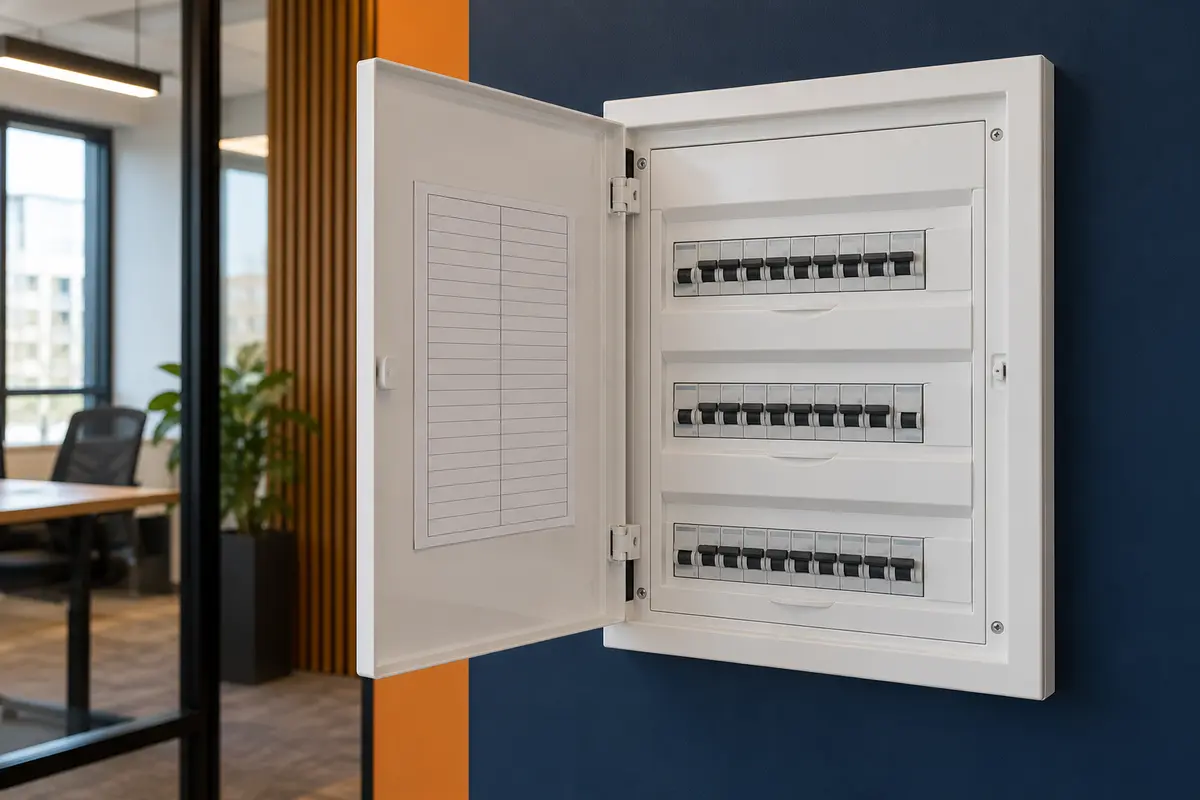
An office can have adequate total capacity yet an overloaded pantry circuit or a heavily loaded phase. Request a circuit schedule showing each large load, its phase allocation, cable route and protective device. Three-phase supply does not divide each single-phase appliance across all three phases.
Dedicated rack, pantry and AC circuits can limit the effect of a downstream fault when protection is appropriately coordinated. A separate circuit alone does not guarantee clean power or ensure an upstream breaker will remain closed. Select the arrangement against the continuity requirement.
Cable selection must consider installation method, ambient conditions and grouping, with voltage-drop and fault-protection checks in the final design. A current total cannot settle these questions. Schneider’s cable-sizing guidance explains how installation conditions change usable current capacity. [4]
Leave defined board ways and route space for approved additions. Spare ways are not proof of spare electrical capacity. Record both physical expansion space and the calculated capacity that remains available.
Keep network UPS planning separate from office demand

First decide what must survive an outage: the ISP device, firewall, essential switch, selected WiFi APs and any required recording equipment. Keeping the LAN on backup while the ISP device is unprotected can leave users without internet.
For this example, the selected rack equipment requires 400 W at the UPS output. Check the UPS’s output watt rating and VA rating against the actual load, then its runtime curve for the proposed battery configuration. A 400 W load does not establish its VA requirement without load power factor information. Manufacturer runtime guidance treats load and battery configuration as separate selection inputs. [5]
Do not add camera and AP watts to a measured switch AC input that already includes their PoE consumption. If using switch base consumption instead, add the powered-device requirement and relevant conversion losses on a consistent boundary. Our PoE power budget guide covers the switch-side allocation.
The UPS upstream feeder must also accommodate model-specific input, recharge and bypass requirements. Backup duration is not proved by dividing a battery’s nominal watt-hours by load watts alone. Use the selected manufacturer’s data, then a controlled acceptance test at the agreed critical load.
When a breaker trips, identify the cause first
Record which device operated, the time, equipment running and any recent changes. Overload, short circuit, residual-current operation, an unsuitable starting-current characteristic and connection defects require different investigations. A general “power issue” diagnosis is insufficient.
Qualified personnel should compare circuit and phase readings with the design, investigate faults and record normal versus busy conditions. One short clamp-meter reading can miss intermittent peaks. Use appropriate logging where the complaint is intermittent; confirm the instrument and measurement method match the quantity being reported.
Do not increase a protective-device rating simply to stop trips. Establish the cause and verify conductor protection first. Phase reallocation is electrical alteration work requiring design review and competent execution, not a user adjustment.
Acceptance tests and handover evidence
Agree the design basis, test scope and acceptance criteria before installation. India’s CEA safety regulations and applicable amendments form part of the regulatory context; the project’s competent designer must identify the requirements that apply to the installation and authority. This guide does not substitute a manufacturer recommendation for a mandatory requirement. [6]
| Evidence | What to verify | Acceptance basis |
|---|---|---|
| Revised load schedule | Models, quantities, input data, factors and future loads match the installation. | Approved design and documented revisions. |
| Board and circuit schedule | Labels correspond to supplied equipment; phase allocation is recorded. | Site verification against the as-built schedule. |
| Electrical test records | Required protective-conductor, insulation, polarity and protection checks are identified and completed as applicable. | Project-specific regulations, design and selected equipment instructions. |
| Loading log | Phase and circuit readings include time, voltage, load condition and instrument. | Within approved circuit and equipment limits under the agreed scenario. |
| UPS test | Selected critical load, runtime, transfer behaviour and alarm status are recorded. | Agreed runtime and manufacturer procedure in an approved outage window. |
Retain the single-line diagram, phase allocation, cable and circuit schedules, signed test records, utility approvals where required, and UPS model/battery documentation. Record spare capacity separately from spare board ways. Mark provisional assumptions that remain unresolved.
A useful handover allows the next technician to identify the circuit feeding the rack and understand what happens during loss of mains. Coordinate these records with the office network handover checklist and the rack layout and cable-management plan.
Frequently asked questions
Can electricity bills prove spare capacity?
Energy use in kWh does not identify every circuit’s peak loading. A bill may include demand information, but its boundary and interval must be understood. Combine relevant records with the as-built schedule and site measurements.
Can I calculate load from floor area alone?
Area-based allowances can support early feasibility work before equipment is selected. They should remain provisional. A compact office with intensive computing or large cooling requirements can differ substantially from another office of the same size.
Does better power factor reduce equipment energy use?
It can reduce current for the same real-power demand under the applicable conditions. It does not automatically reduce the device’s useful-energy requirement. Any correction equipment needs design review, including compatibility with electronic loads.
Should a society office include building pumps and lifts?
Include them only if the supply boundary being assessed actually feeds them. Keep the office branch schedule separate from the building-wide demand study; shared services and emergency systems require their own design consideration.
Does a generator change the estimate?
The essential-load boundary may change, and the source must support starting, transient and operating conditions. A utility demand estimate cannot by itself select a generator or prove satisfactory transfer performance.
Sources and further reading
Primary sources checked on 6 October 2026. These support the method; they do not validate the hypothetical equipment ratings or provide universally applicable office demand factors.
- Schneider Electric Electrical Installation Guide: Installed power (kW).
- Schneider Electric: Estimation of actual maximum kVA demand.
- Schneider Electric: Installed apparent power (kVA).
- Schneider Electric: General method for cable sizing.
- Schneider Electric: UPS buying guide — consult the actual selected model’s ratings and runtime data.
- Central Electricity Authority: Measures Relating to Safety and Electric Supply regulations and amendments.