An ISP router does one job. It hides the office behind one public IP and lets replies come back. A firewall does the rest. It decides which zone may talk to which zone, who may come in from outside, what gets logged, and what happens when a laptop is lost.
Small office and corporate office use the same logic. The corporate job adds a second box, a second ISP, a server zone, and a person who reviews the rules. Skip the zones and the expensive box is still a router.

Size the box on inspected traffic
Datasheet “firewall throughput” is empty forwarding. No IPS, no antivirus, no application control. The number that matters is threat-protection throughput, measured with those features on.
On Fortinet’s September 2026 matrix, a FortiGate 60F is about 10 Gbps raw, about 1.4 Gbps IPS, about 700 Mbps threat protection, and about 630 Mbps SSL inspection. A 40F is about 600 Mbps threat protection. The newer 50G class is about 1.1 Gbps threat protection. Size the office line against the threat-protection number, and leave headroom. A 500 Mbps fibre with IPS and web filter on does not belong on a box whose inspected limit is 500 Mbps. Threat protection here means firewall, IPS, application control, and malware scanning together, with logging on.
Count users and sessions too. A 40-person office with Teams, a cloud NVR, and 15 VPN users is not a “small” box just because the line is 200 Mbps. Concurrent sessions on a 60F-class unit sit around 700,000. That is enough for a branch. It is not the sizing argument. Inspection throughput is.
Before the box touches the internet: change every default password, turn on MFA for admin, disable management from the WAN, and patch to the current stable firmware. The build in the carton is often months behind.
Small office and corporate office
A 10 to 40 person office can live on one next-generation firewall, one fibre, and four zones. A corporate floor adds a second ISP, a firewall pair, a server zone, a management VLAN, and a named owner for every inbound rule.
| Item | Small office | Corporate office |
|---|---|---|
| Hardware | One NGFW, sized on threat throughput | Pair, failover tested on both links |
| ISP | One fibre. Static IP if VPN is required | Two providers, different last-mile |
| Zones | Corporate, guest, CCTV, management | Those, plus servers, DMZ, voice, BMS |
| Remote access | VPN with MFA, limited to needed apps | Per-user VPN or ZTNA, not full LAN |
| Logs | Off-box syslog or vendor cloud | Central log, kept long enough to investigate |
| Change control | One admin, config export after each change | Individual logins, quarterly rule review |
Do not start with fifteen VLANs. Three to five zones cover the real risk. Name them by job: CORP-STAFF, GUEST, CCTV, MGMT.
IP plan before the rack
Write this on paper before anyone logs into the firewall. A /24 per zone inside 10.0.0.0/16 is easier to read than the 192.168.1.0/24 the ISP router was using.
| Zone | VLAN | Subnet | Gateway | DHCP |
|---|---|---|---|---|
| Corporate | 10 | 10.0.10.0/24 | 10.0.10.1 | 10.0.10.50-200 |
| Voice | 20 | 10.0.20.0/24 | 10.0.20.1 | phones only |
| Guest | 30 | 10.0.30.0/24 | 10.0.30.1 | 10.0.30.50-250 |
| CCTV | 40 | 10.0.40.0/24 | 10.0.40.1 | reserved, or static cameras |
| Servers | 50 | 10.0.50.0/24 | 10.0.50.1 | static |
| Management | 99 | 10.0.99.0/24 | 10.0.99.1 | static for switch, AP, firewall |
Gateway is the firewall. Core switch carries these as tagged VLANs on the trunk. Camera ports are access ports in VLAN 40, not trunks. Guest SSID maps to VLAN 30. Corporate SSID maps to VLAN 10.
Leave .1 for the firewall, .2-.20 for infrastructure, and DHCP above that. Write the static list: NVR, access controller, printer, AP management addresses.
Zones and what each one may do
WAN. Public IP. Nothing listens here except a VPN you chose to publish. No admin page. No camera port.
Corporate. Staff laptops and the printer they must reach. Out to the internet. Not a free pass into CCTV or the firewall admin interface.
Guest. Internet only. DNS and DHCP yes. No route to corporate, CCTV, servers, or management. A guest SSID without this VLAN is not isolation. If a guest phone can see a printer, the rule or the VLAN is wrong.
CCTV. Cameras talk to the NVR. They do not talk to laptops, and they do not talk to the internet, unless the client has a named cloud account and you allow that one destination. Default camera passwords die on day one. A camera that can open its own session to the WAN is how footage and the office LAN get scanned.
Voice. Phones to the PBX, with QoS. Not mixed into guest.
Servers / DMZ. Anything the internet must reach sits here, not on the staff LAN. A published app, a mail gateway, a jump host.
Management. Switch, access point, firewall admin. Reachable from named admin PCs or over VPN. Not from guest. Not from a random desk port.
VLANs do not enforce this. The firewall does. Default deny between zones, then add the few allows you can explain.
- Corporate to internet
- Corporate to printer, print port only, if the printer sits on another VLAN
- Corporate to NVR viewer port, not to every camera IP
- NVR to cameras
- Cameras to NVR only
- Guest to WAN only
- Admin subnet to management interfaces
- Voice to PBX
Block cameras to WAN. Block cameras to corporate. Block guest to every internal subnet. Block CCTV and access-control from initiating internet sessions. Log the denies for the first month so a missed camera cloud port shows up as a log line, not as a silent failure.
NAT, port forward, and the hole that stays
Outbound NAT is normal. The office leaves on the public IP, replies come back, the state table closes the door.
Inbound is where offices get hurt. Default deny. Every exception needs an owner and a reason, and a review date. A weekend hole for a vendor’s remote desktop is still open next Diwali if nobody owns it.
Do not publish these to the WAN:
- RDP, 3389
- Camera HTTP or the vendor’s phone-app port
- NVR web UI
- SMB, 445
- Firewall admin, on any port
If the director must see cameras from home, that path is a VPN, or the NVR vendor cloud with MFA. A public camera port is a search-engine result, not a feature.
Double NAT is the other Indian-office classic. ISP ONT in router mode, office firewall behind it, VPN that drops every evening. Ask the ISP for bridge mode, or a static public IP on the firewall’s WAN. One NAT. Test the VPN after that, not before.
VPN without handing over the LAN
Remote access is for the owner, the accountant, or the installer. MFA on every user. Log the connection. Land the user on the app they need, not on 10.0.10.0/24 plus the camera VLAN. A full-LAN VPN is a 2010 design. An infected home laptop then walks to the file server.
Site-to-site is for a branch or a warehouse. IPsec, both ends documented, only the subnets that must talk. If there are two ISPs, test failover on a Saturday.
Split tunnel is the usable default: office traffic in the tunnel, YouTube direct. Full tunnel only if the client accepts that home traffic will fill the office line.
Individual VPN accounts. Not one shared password on a sticker under the rack.
Admin, logs, licence
- Named logins, not a shared
admin - MFA on the box and on the VPN
- WAN management off
- Firmware on a quarterly patch cycle at minimum
- Config export after every change, stored off the box
- Logs shipped off the firewall disk. Local logs die when the disk fills
- IPS and web-filter subscription treated as part of the system. An expired licence is an expensive router
Rule review every six months. If the business reason is gone, the rule goes.
Where it sits
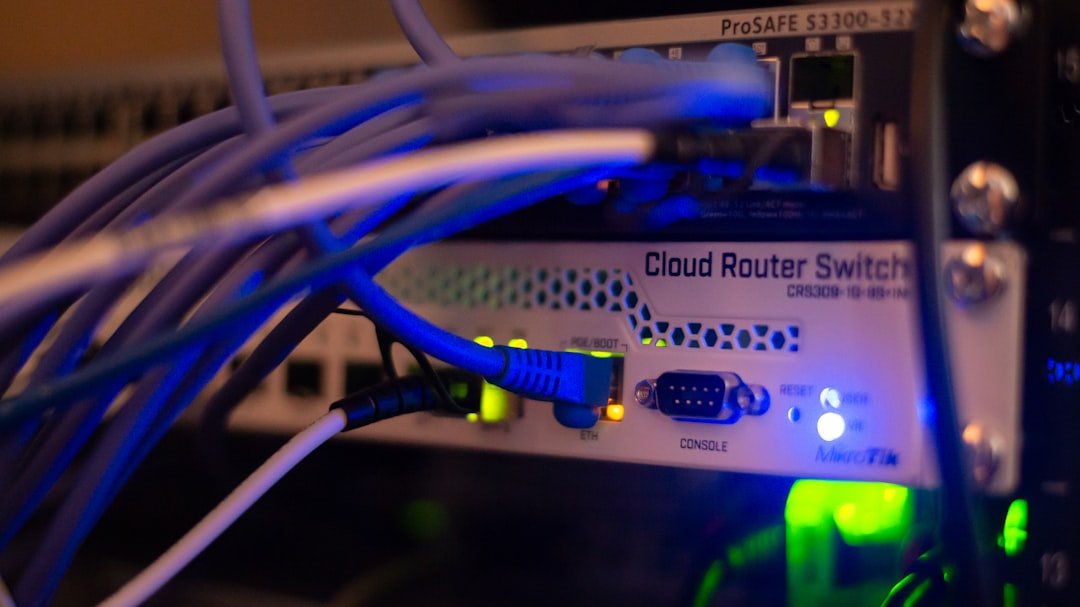
Modem or ONT, then firewall, then core switch. WAN cable labelled. Trunk to the switch labelled with the VLAN list. Firewall and core switch on the same UPS. A firewall that dies in a blink takes inter-VLAN policy and the internet with it.
Corporate pair: each unit should see both ISPs. Failover is a tested result, not a brochure line.
Order of work
- Count users, line speed, VPN users, and whether cameras need cloud. Size on threat throughput.
- Draw zones and the IP plan. Get it signed before configuration.
- Bridge the ONT if you can. Patch firmware. Kill WAN admin. Turn on MFA.
- Build matching VLANs on the switch. Access ports for cameras and desks. Trunk only where an AP needs two SSIDs.
- Default deny between zones. Add the short allow list.
- Prove guest cannot ping a printer or a camera.
- Prove a laptop cannot open a camera IP. Prove the NVR still records.
- VPN with MFA. Prove a remote user cannot see the NVR unless that was the request.
- Ship logs. Export the config. Name an owner.
What fails after handover
- ISP router left in routing mode, double NAT, VPN never stable
- One flat LAN: accounts PC, guest phone, and camera on
192.168.1.0/24 - RDP or NVR port forwarded “for the director”
- Shared admin password
- Box bought on a 10 Gbps headline, line chokes the day IPS is enabled
- Licence not renewed, signatures frozen
- No drawing. The next vendor inherits a rule base nobody can explain
Firewall cha kaam signal dena nahi. Guest internet. Camera NVR kade. Staff kaam. Baaki drop. Config backup ani zone drawing nahi tar setup jhala nahi.
APYS Projects can help
APYS Projects handles firewall setup, VLAN planning, VPN configuration, CCTV isolation, rack and network setup, structured cabling, ELV and electrical works for offices, societies, companies, and commercial sites.
For firewall, networking, automation, ELV or electrical project enquiry, email Purchase@apysprojects.com.