A category cable can connect a computer, power a camera, link a presentation source to a distant display or carry supported audio signals. That flexibility makes it valuable in an office or ELV project. It also creates a common mistake: assuming every cable with the same modular connector belongs on an Ethernet switch.
The cable is the physical medium. The equipment at each end determines the signal, power scheme, connection limits and permitted topology. Two visually similar Cat6 runs can perform entirely different jobs.
This guide expands the idea that Ethernet cable does more than carry internet. It explains Ethernet and PoE, direct video extension, AV-over-IP, analog audio over Cat and network audio—with the selection and handover details that prevent an installation from becoming a guessing game.
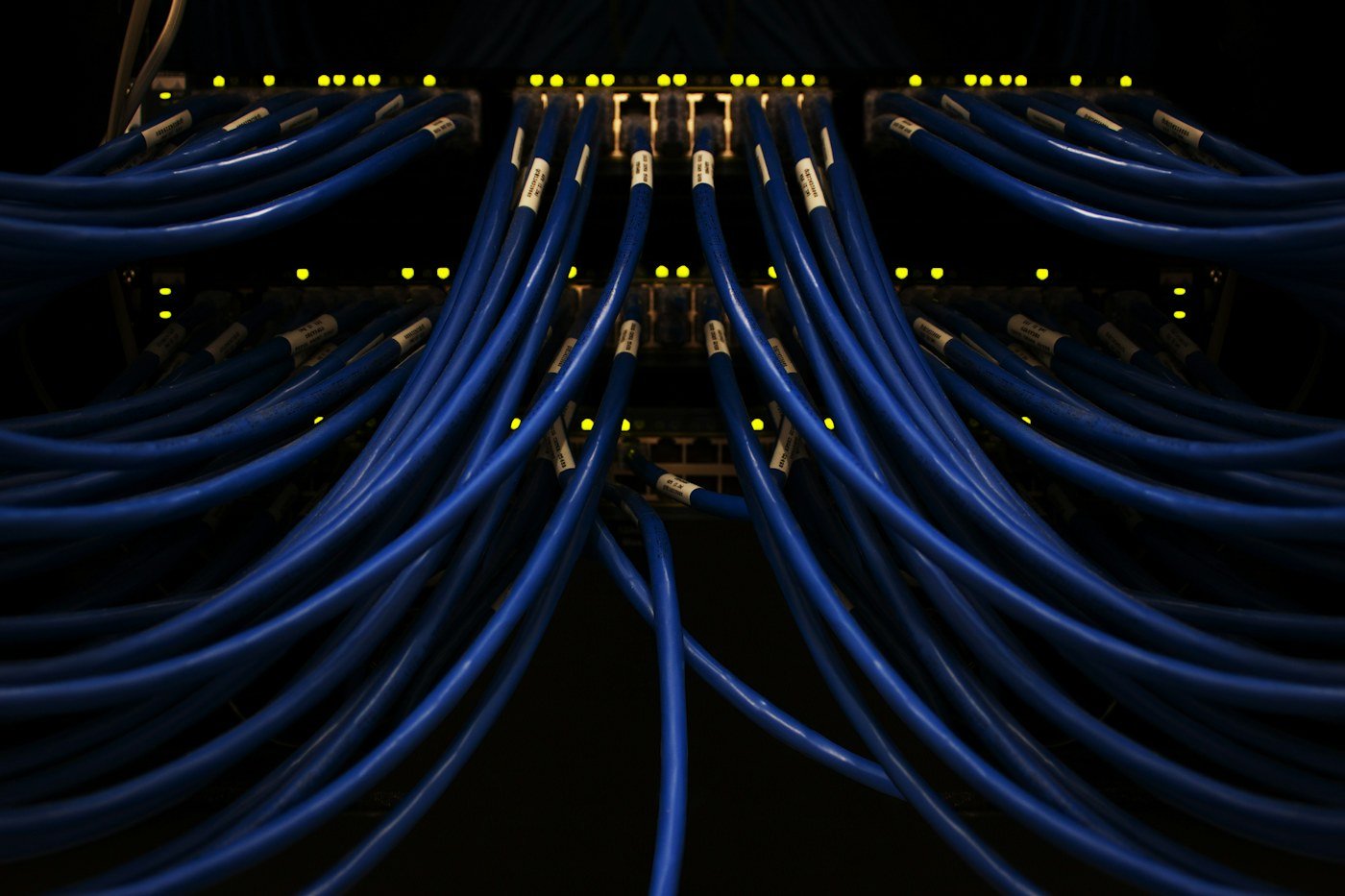
Category cable and Ethernet are not the same thing
Cat5e, Cat6 and Cat6A describe cabling performance categories. Ethernet is a family of networking standards that can use suitable media. Category cable can also be used by other transport systems, provided the equipment supports the chosen cable and configuration.
The connector commonly called RJ45 on sites is an 8-position modular connection. Its appearance does not identify the signal. A direct AV extender port, analog audio breakout and network switch can have similar-looking connections with incompatible functions.
| Service on category cable | Ordinary Ethernet switch in the path? | Key requirement |
|---|---|---|
| LAN / IP CCTV / WiFi backhaul | Yes, where designed | Compatible link speed, network configuration and cable |
| IEEE PoE with Ethernet | Yes, with a suitable PoE switch or injector | PSE/PD type, class and power budget |
| Direct HDMI-over-Cat / HDBaseT | Not for the direct transport port | Matching transmitter/receiver and specified cable |
| AV-over-IP | Yes, on the supported network | Encoder/decoder compatibility and media-network capacity |
| Analog audio breakout over Cat | No | Matching interfaces, signal mapping and required shield |
| Dante / supported network audio | Yes | Endpoint support, clocking and suitable switch settings |
Ethernet carries local networking, not only internet
A PC reaching a local file server, a camera recording to a local NVR and a phone calling a local service can all use Ethernet without requiring an external internet connection for that function. The network may still depend on local controllers, licences or authentication.
This distinction matters during troubleshooting. An ISP outage can leave local recording working. A failed shared switch can interrupt local devices even when the ISP connection itself is healthy.
Choose cable category against the required speed, actual route and project lifetime. Cat5e can support conventional 1G channels when the compliant system requirements are met. Cat6 and Cat6A provide different performance capabilities; Cat6A is a useful option where full-length 10G capability is required.
Do not select cable by jacket colour or an unsupported “future-proof” claim. Specify genuine copper, compatible connectors, the installed link model and the intended test limit. Read our structured cabling guide for the complete office design.
Power over Ethernet: one link for data and compatible DC power
PoE can power supported cameras, APs, IP phones, intercoms and selected controllers through the same cable used for Ethernet. The power comes from a PSE—a suitable switch or injector—and is received by a compatible powered device, or PD.
A standards-based source performs the required detection and classification process. A larger port capability does not force its maximum wattage into every endpoint. Passive injectors use different arrangements and need explicit compatibility verification.
| IEEE type | Maximum PSE output | Approx. power at PD at top class | Selection note |
|---|---|---|---|
| 802.3af / Type 1 | 15.4 W | 12.95 W | Check endpoint class and actual requirements |
| 802.3at / Type 2 | 30 W | 25.5 W | Often used by higher-demand endpoints |
| 802.3bt / Type 3 | 60 W | 51 W | Four-pair higher-power capability |
| 802.3bt / Type 4 | 90 W | 71.3 W | Confirm the exact supported device mode |
These are top-class capabilities, not the consumption of every camera or access point. The IEEE Type 4 figure is up to 90 W at the PSE, not a universal 100 W delivered to an endpoint. Product-specific power systems need their own documentation.
Power allocation and measured consumption may differ. A switch can reserve capacity based on class even when the current device draw is lower. Night-time infrared, heaters or additional AP functions can change demand.
- Check the exact endpoint model, required IEEE type/class and reduced-power behaviour.
- Check the port capability and the shared switch budget separately.
- Include cable loss and a consistent power-allocation basis in the design.
- Calculate the UPS load for the switch and its powered endpoints.
- Verify full operating modes rather than only a successful boot.
Our PoE switch guide includes a detailed power-budget example.
Do not confuse Ethernet distance with every other Cat-cable application
A conventional structured copper Ethernet installation is designed within a 90 m permanent link and a 100 m channel including patch cords. The routed path includes vertical drops and service allowance.
Those limits do not automatically describe a particular AV extender or analog audio product. Its supported distance can depend on category, connectors, signal format and equipment version. Conversely, an extender advertised for a long run does not make that cable a certified extended-length Ethernet channel.
For distant gate or building connections, a fibre data link with suitable local equipment and local power may be the appropriate network design. Ordinary fibre does not carry PoE electricity to a remote switch.
Direct HDMI-over-Cat: category cable as an AV transport
A direct extender uses a transmitter near the video source and a compatible receiver at the display or projector. The category cable between their designated ports transports the supported AV signal.
That link does not become ordinary Ethernet because the cable looks like a LAN lead. Keep the direct transport port out of normal network switching. Some devices also have separate Ethernet/control ports; identify each connection from the model documentation.
Specify the actual signal: resolution, refresh rate, chroma, bit depth, HDR, audio and copy-protection requirements. “Supports 4K” is incomplete. The full path includes source, adapters, transmitter, cable, receiver and display.
There is no universal safe passive-HDMI distance for all formats. HDMI capability depends on the cable assembly and signal. Compare a direct extender, active optical HDMI or other supported method against the required format and installation constraints.
HDBaseT: useful capabilities, model-specific implementation
HDBaseT provides a defined transport technology that can combine supported AV, control, Ethernet, USB and power functions over suitable media. Which functions, formats and distances are available depends on the generation and actual product pair.
The direct HDBaseT link is not an ordinary switched Ethernet uplink. A separate Ethernet function carried by compatible products does not change that direct-port distinction.
Check cable recommendations, permitted connections, transmitter/receiver compatibility and any power arrangement. Power over HDBaseT and other vendor power-over-cable methods must not be assumed interchangeable with an IEEE PoE switch port.
Commission the required video format, audio, control and any USB function with the actual equipment. A working 1080p test does not establish successful operation at a more demanding format.
AV-over-IP: video genuinely transported through a network
An AV-over-IP encoder turns supported media into network traffic and a compatible decoder reconstructs it at the destination. This supports network distribution, but requires a suitable switching and management design.
Different platforms use different compression, latency and bandwidth requirements. Determine per-stream traffic, concurrent destinations and uplink demand from the actual system. Do not assume every platform works well on an arbitrary existing gigabit LAN.
Where multicast is used, configure the supported multicast controls and querier arrangement correctly. Otherwise unwanted traffic may spread across unrelated ports or streams may fail. QoS and VLAN separation should follow the media-platform requirements.
Discovery, stream delivery and device management can have different network requirements. A VLAN separates traffic logically without creating additional uplink capacity. Define how authorised users select sources and maintain configurations.
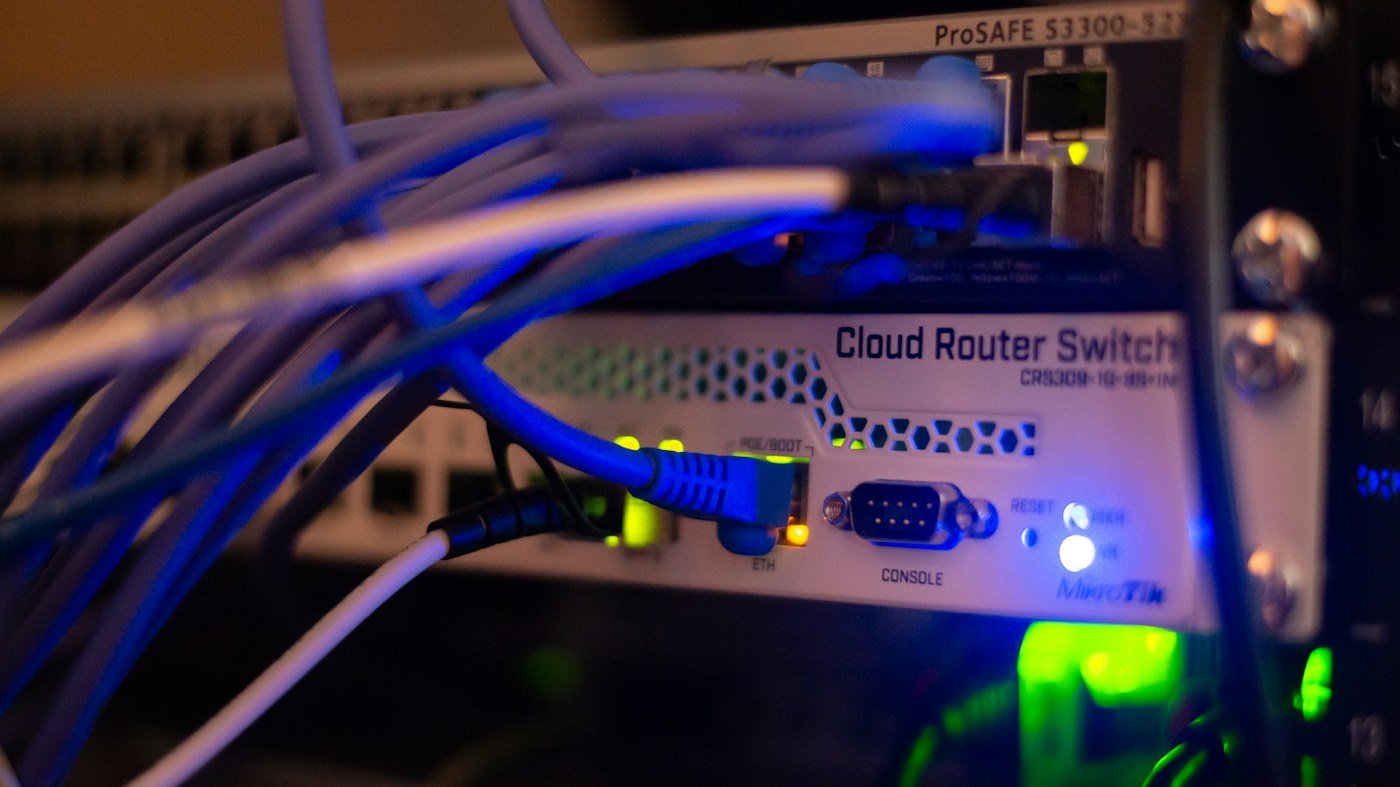
Analog audio over Cat: conductors carry audio signals
Compatible audio breakout systems can map balanced microphone or line-level channels onto category cable conductors. The selected interfaces define the pin mapping, shield path and permitted signal type.
This is not Dante or ordinary Ethernet. Some products are simple breakout arrangements, while others include transformers or different circuitry. Use a matching pair and the specified cable rather than assuming all devices described as “baluns” operate identically.
Shielding and phantom-power support are product-specific. For example, Radial Catapult documentation requires suitable shielded cable and connections for its phantom-powered microphone use. That rule should be applied to the documented product, not invented as the design for every audio adapter.
For microphone applications, test noise, gain, channel mapping and supported phantom power with the real source and receiving equipment. A continuity result alone cannot establish clean audio.
Microphone and line-level transport is not amplifier-to-speaker wiring. Do not use an audio breakout or category cable as a generic substitute for the specified speaker circuit, particularly in a PA or emergency-communication installation.
Dante and AES67: network audio is a different architecture
Network audio transports media between supported network endpoints. Routing subscriptions, timing/clock synchronisation and suitable network performance determine the result. Connecting a breakout box to a switch does not convert analog-over-Cat into network audio.
For Dante, use the manufacturer’s current switch guidance for the actual scale and mixed traffic. Confirm appropriate link capacity, supported QoS and multicast configuration where required. Audinate advises disabling Energy Efficient Ethernet on ports carrying Dante traffic.
Dante can use unicast and multicast flows. Do not configure multicast merely because audio is present; follow the platform requirements. AES67 interoperability also depends on supported modes and configuration, rather than the label guaranteeing every cross-vendor workflow.
Record device names, subscriptions, clock status, sample rates and required latency settings. Test stable operation during representative traffic, restart and any supported redundancy scenario.
A meeting-room example: three identical-looking cable runs
Illustrative design: a room has an AP, a remote presentation display and a supported audio endpoint. The routes may all use category cable but their endpoint connections can differ.
| Run | Purpose | Connects to | Acceptance |
|---|---|---|---|
| NET-MR1-001 | AP network + compatible PoE | Managed PoE switch and AP | Correct speed, power mode, VLAN and client performance |
| AV-MR1-001 | Direct video transport | Specified transmitter and receiver | Actual required image, audio and control |
| AUD-MR1-001 | Network audio endpoint | Supported configured Ethernet switch | Subscriptions, clock stability and usable audio |
If the audio were an analog breakout instead, its cable would join matching audio interfaces rather than an Ethernet port. The schedule must state that distinction so a later technician does not repatch it by appearance.
Labelling and patch management prevent incompatible connections
Label both ends with a unique ID and the transport type. Record endpoint model, power method, required shield, cable category and physical route. Use separate patching organisation for non-Ethernet links where practical.
Colour can support identification but is not a universal protocol code. Text labels and drawings remain essential. Leave a maintenance note at panels where an RJ45-style connector carries non-Ethernet signals.
Before repurposing a spare cable, disconnect and identify both endpoints, verify the physical construction and test the link for its intended new use. An old label or unlit port does not prove a cable is unconnected.
Cable quality, installation and bonding
Use the manufacturer-specified conductor construction, category and connectors. Genuine solid-copper installation cable is important for standard cabling and PoE performance. Avoid copper-clad aluminium as a substitute for the specified system.
Shielded applications require suitable connectivity and the specified shield/bonding arrangement. An unshielded patch lead can interrupt a path needed by the application. Do not invent one universal earthing rule for every AV or audio product.
Coordinate pathways, separation, bends, mechanical support and fire-stopped penetrations through the building design. Match jacket and installation suitability to the location. High-power cable bundles and outdoor circuits need their own specified assessment.
Testing: physical cable and application need separate evidence
Category certification measures the installed link against the selected cabling limit. The link model and adapters must match—permanent link, channel or supported MPTL. Required PoE resistance measurements provide additional useful evidence.
A category pass does not independently certify every HDMI format, analog audio arrangement or media-platform setting. Complete an operational test with the actual endpoints, and use application-specific test methods where required.
| Application | Physical checks | Operational checks |
|---|---|---|
| Ethernet + PoE | Correct certification model and required resistance evidence | Negotiated speed, endpoint mode, services and power budget |
| Direct AV extension | Specified cable, terminations and allowed topology | Required format, audio, control and restart |
| Analog audio | Mapping, shield path and product cable requirements | Noise, levels, channel identity and permitted phantom power |
| Network audio / AV | Certified links and appropriate uplinks | Routing, clocking, loss/latency and representative load |
Our Fluke Testing guide explains report review. Preserve native results alongside the cable map and application test record.
Troubleshooting by transport type
- Camera/AP has no power: check compatibility, allocation, total budget and cable path.
- Video works at a lower format only: inspect complete format support, cable recommendations and permitted connectors.
- Analog audio is noisy: check the documented mapping, shield, levels and grounding arrangement.
- Network audio drops: inspect clock status, link errors, supported switch settings and competing traffic.
- A repatched link stops working: identify both endpoints and the actual transport before changing configuration.
Record the symptom and configuration before replacing parts. A known-good short link can help isolate the route, but does not substitute for its final test. Change one variable at a time and repeat the original operating condition.
What to freeze before quotation and installation
- The transport and exact endpoint pair for each link.
- Required data speed, video format or audio channel arrangement.
- Routed distance and permitted connections.
- Cable category, conductor, shield and installation requirements.
- Power source, device demand and backup scope.
- Switching, VLAN, multicast and management responsibilities where applicable.
- Labels, drawings, test criteria and operator handover.
Frequently asked questions
Can I plug an HDMI-over-Cat cable into a network switch?
Not if it is the direct extender/HDBaseT transport link. AV-over-IP is a different design that uses compatible network equipment. Identify the port and product first.
Does an RJ45-style connector always mean Ethernet?
No. Similar modular connectors can carry incompatible signal or power arrangements.
Can one cable carry Ethernet and PoE together?
Yes, using the supported IEEE PoE source, endpoint and cabling. Other vendor power systems require their own compatibility checks.
Can any Cat6 run carry 4K video or microphone audio?
Not automatically. Endpoint support, format, distance, connections and shielding can change the requirement.
Does analog audio over Cat use an IP address?
A passive analog breakout link does not use Ethernet addressing. A network audio endpoint is a different system.
APYS Projects: design the link from endpoint to endpoint
APYS Projects handles networking, structured cabling, Fluke Testing, PoE switching, CCTV and integrated ELV/electrical work, including coordinated home and office automation. We can review the required services, pathways, equipment interfaces and handover scope before installation.
The useful specification describes the complete connection and expected result. Category cable becomes flexible infrastructure when the endpoint technology, power, labels and tests are properly defined.
Planning an office, AV or ELV cabling project? Share the endpoint models, routes and required applications. Enquiries: Purchase@apysprojects.com · +91 9921490342 · Contact APYS Projects.
Technical references
Further guidance: Ethernet Alliance PoE power boundaries, HDBaseT technology, Radial Catapult application requirements, Radial audio and speaker-level distinctions and Dante network guidance. Confirm the design against the selected equipment and project requirements.